Cooking,
minus the faff.
Everything sizzle does is there to answer one question: does this make cooking easier, or does it get in the way?
See it in action.
Watch a real recipe cooked start to finish: prep, every step, then serve.
Everything you need, right when you need it.
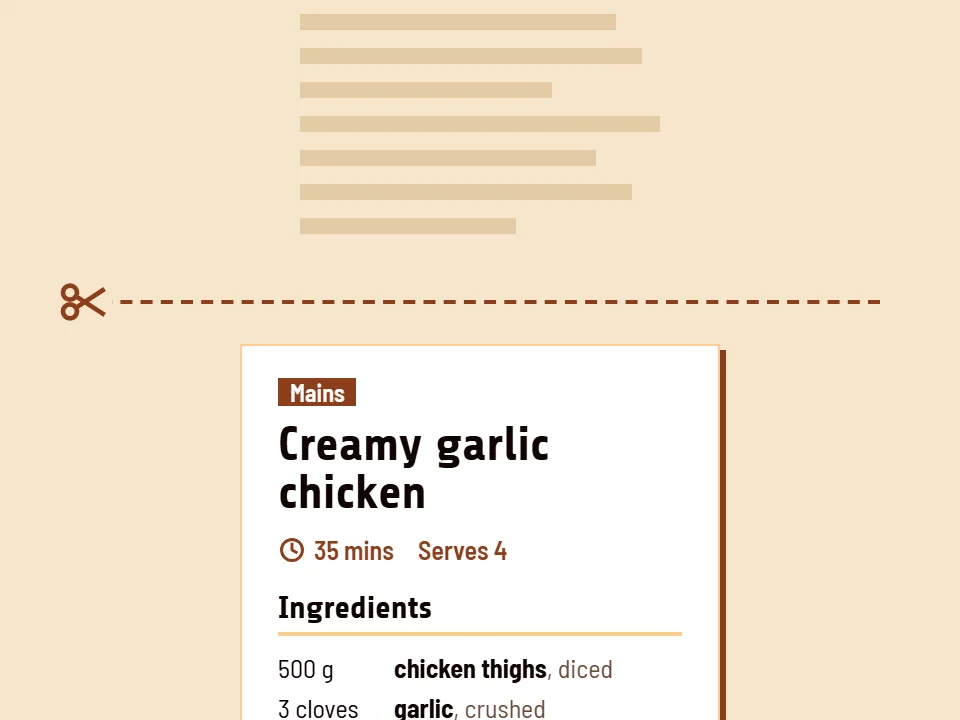
Just the recipe
We keep the method and lose the back story. Every recipe opens on what you need, and steps are rewritten to be short and clear.
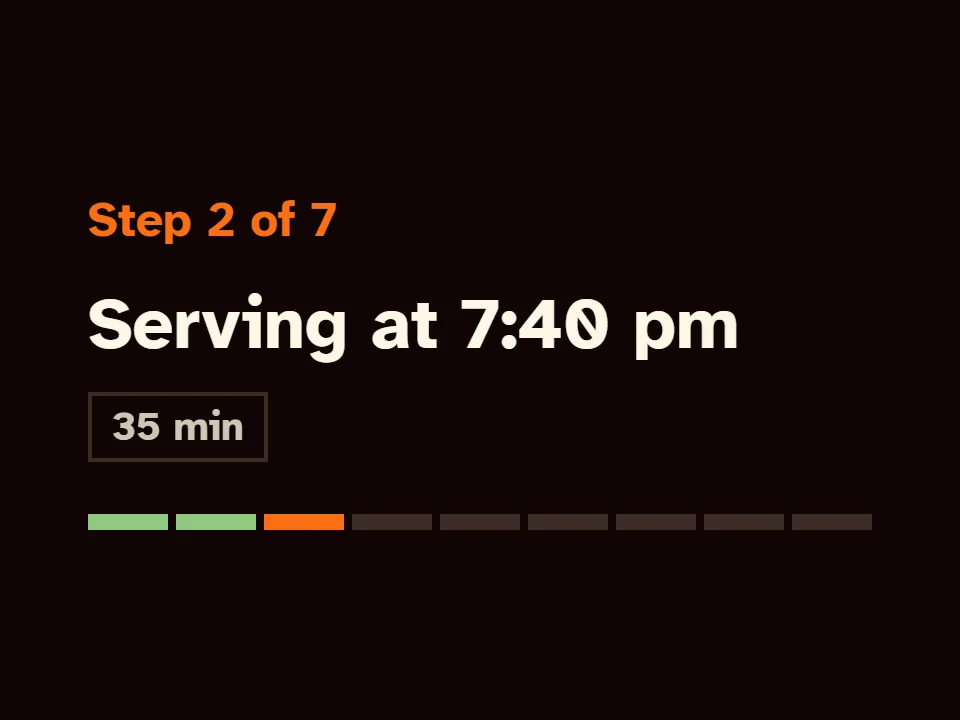
Honest timings
Each step is timed the way people really cook, so "35 minutes" means 35 minutes. sizzle also tells you when dinner will be ready.
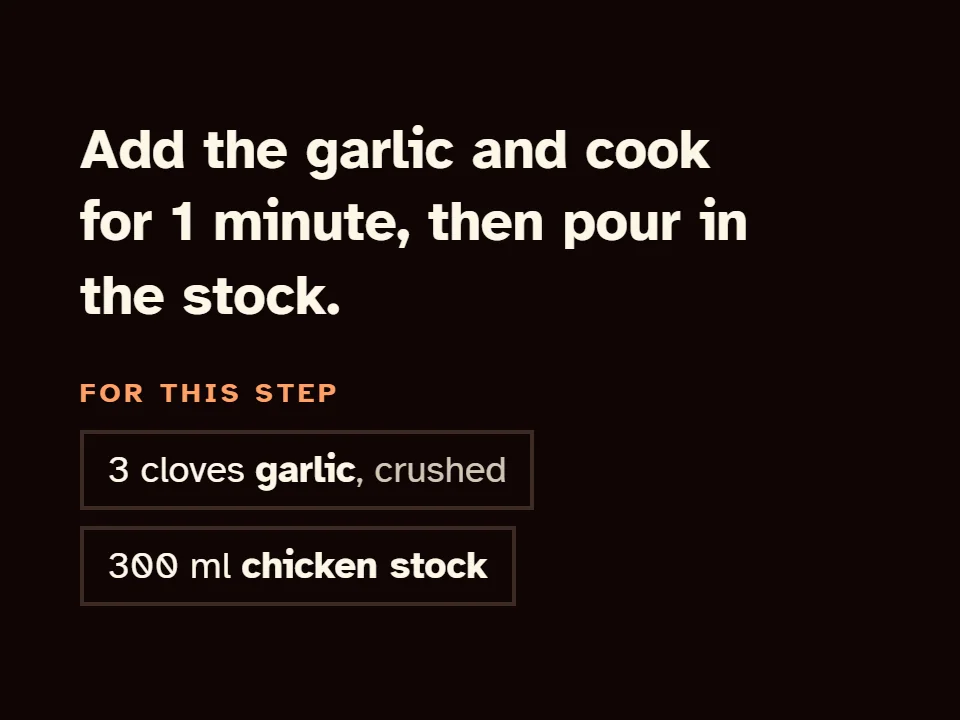
No scrolling back
Each step lists the ingredients and amounts it uses, so you never scroll up with sticky fingers to check.
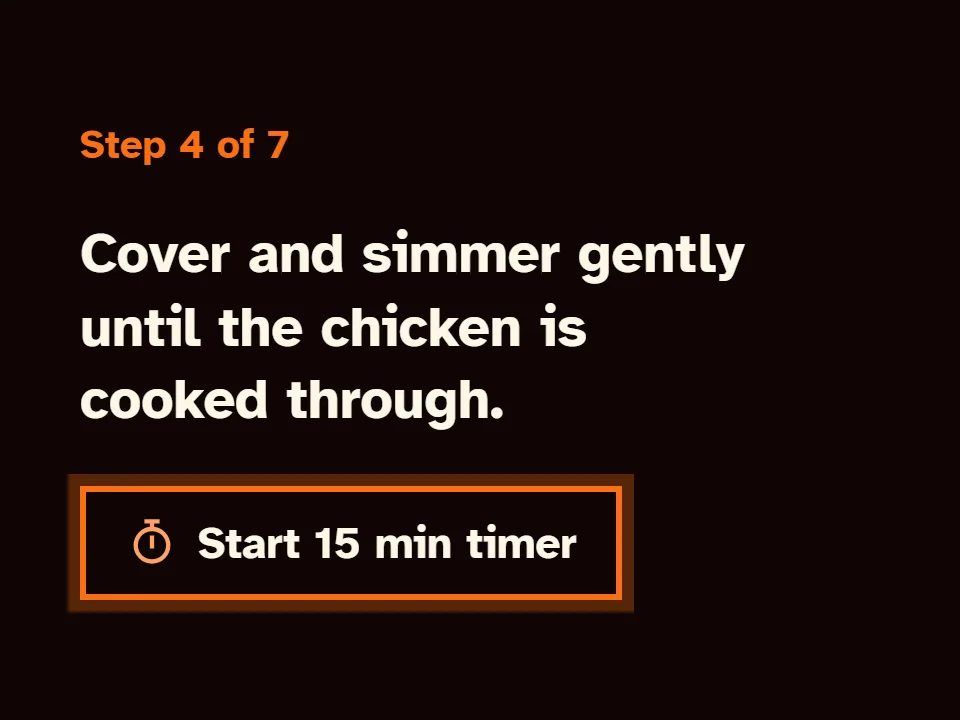
Timers when you need them
Timers are set up and ready on the step that needs them. Start one with a tap, and it carries on while you move ahead.
Screen stays on
Your screen won't dim or lock while you cook, so you're not tapping it with floury fingers.
Prep first
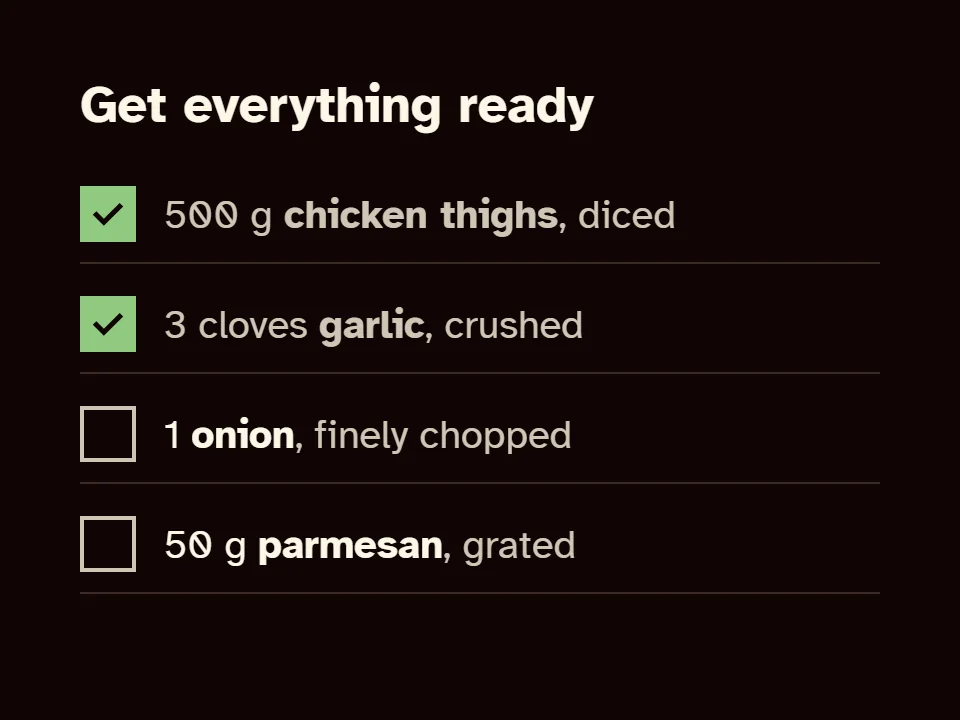
Like the cooking shows: get everything chopped and measured first, then cook without the panic.
Sound like you?
Frustrated cooks
Fed up with pop-ups, ads and scrolling past someone's holiday to find the method.
Just the recipeNo scrolling backParents and carers cooking with kids
Less juggling and fewer "wait, what's next?" moments with little helpers in the kitchen.
Prep firstTimers when you need themOlder or visually impaired cooks
Large, high-contrast text, one step at a time, with no tiny print to squint at.
Screen stays onNo scrolling backCooking to impress
When it has to go right and land on the table on time.
Honest timingsPrep firstBeginners
New to cooking? Clear steps and no assumed knowledge.
Prep firstJust the recipe
Good to know
- Is sizzle free?
- Yes. Every recipe and every cooking feature is free.
- Do I need an account?
- No. Open a recipe and press Start cooking. There's nothing to sign up for.
- Where do the recipes come from?
- They're popular recipes from around the web that we've tidied up and rewritten to be easier to follow.
- Can I install it?
- Yes. Add sizzle to your home screen and it opens like an app.
- Does it work without signal?
- Once a recipe is open, it keeps working if your connection drops mid-cook. You'll need signal to open a new one.
- Can I use sizzle with recipes from other sites?
- Yes. Our free Chrome extension restyles supported recipe sites the sizzle way.